If you run a lawn care business by yourself and you have gone looking for software to keep track of your equipment, you have probably noticed something: almost everything you find is built for a crew. Employee check-in and check-out. Accountability dashboards. RFID and GPS hardware. Web portals with per-seat pricing. Roundups of "the best landscaping equipment apps" that assume multiple workers spread across multiple job sites.
You are one person. So the honest question is not "which crew tool is best?" It is "do I need that kind of software at all?" This guide answers it.
This article is part of our series on protecting the equipment your lawn care business runs on.
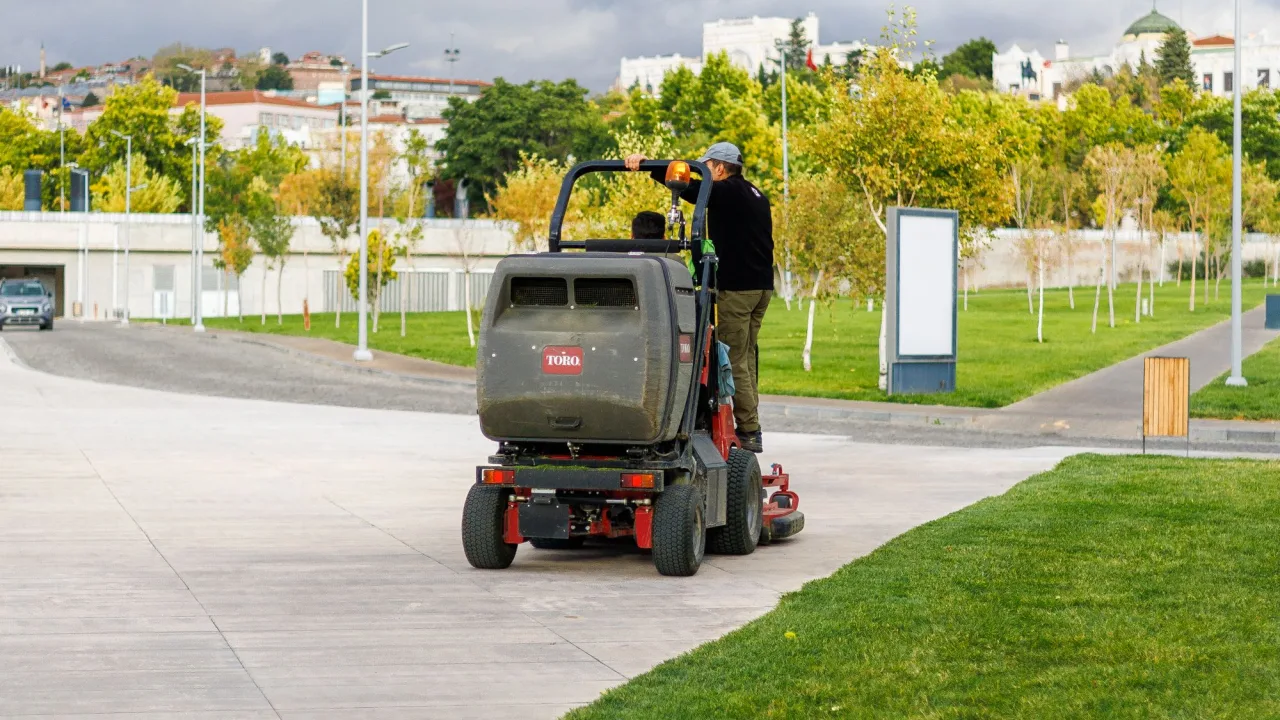
Built for one, not a crew.
Most equipment software is built for crews — employee check-in/out, accountability dashboards, per-seat plans. For a one-person operation that machinery is overkill, not an upgrade. ToolMark is the deliberate fit for a solo operator: a single-user record you keep on your own phone. Do you actually need equipment software as a solo landscaper?
Crew software is good — for crews
Let's be fair about this up front. The crew and fleet tool-tracking products are genuinely good at what they do. If you have five employees loading equipment onto three trailers headed to different sites every morning, you have a real problem: who took what, where is it now, and who is responsible if it does not come back. Multi-user check-in/out, accountability dashboards, and fleet hardware exist to solve exactly that, and they solve it well.
None of what follows is a knock on those tools. It is a question of fit. A product built to coordinate a crew is solving a problem a solo operator does not have — and that mismatch is the whole story.
The mismatch for a one-person operation
When you are the only person who touches the equipment, most of what crew software does is overhead you will never use.
- Accountability features answer a question you already know. Check-in/out, "who has this tool," approval flows — every one of those exists to track handoffs between people. When the answer to "who has it?" is always "me," those features are not a benefit. They are clutter you have to click past.
- Setup is a project, not a few minutes. Crew tools are built to be configured: users, roles, permissions, job sites, categories, sometimes hardware to provision. For a one-truck operation that is a weekend of setup to manage a problem you do not have.
- The dashboards optimize for oversight you do not need. Crew dashboards are built so an owner can watch a team. Reading one as a solo operator is like buying a 20-passenger van to commute alone — the capacity is real, it is just not for you.
Notice what is not leading this list: price and hardware. It is tempting to say crew software is too expensive or needs too much gear, but that argument does not hold up. Some of the most visible tools are free, and several are app-only with no RFID or GPS at all. So while crew software is often subscription- or per-seat-priced and sometimes leans on fleet hardware, the real problem is not what it costs. It is that it is built for a crew you do not have.
Crew software vs. a solo equipment record
| Crew / fleet software | A solo equipment record (ToolMark) | |
|---|---|---|
| Built for | Multiple employees, multiple job sites | One operator |
| Multi-user / accountability | Core feature — check-in/out, who-has-what | Not needed — it's always you |
| Setup | Onboarding / configuration project | Minutes |
| Optimizes for | Crew oversight | Own it, service it, prove it, deduct it |
| Pricing | Often per-seat or subscription | One-time |
| Hardware | Sometimes RFID/GPS add-ons | The phone you already carry |
The first four rows carry the argument. They are true even against a crew tool that happens to be free or app-only, because they are about fit, not cost. Pricing and hardware are the last two rows for a reason — they vary, so they are hedged and kept secondary. Lead with fit and you are always right; lead with price and the first free competitor proves you wrong.
What a one-person operation actually needs
Strip away the crew machinery and a solo operator's real needs are short. You need to be able to:
- Own it and locate it — know what you have, what it is, and where it is.
- Service it — keep a maintenance record so a machine does not die mid-season.
- Prove it — have serial numbers, photos, and purchase details ready for a police report or insurance claim.
- Deduct it — keep the purchase date and price your accountant needs at tax time.
That is the entire job. It is a record, not a management system. We cover exactly how to set one up in one-person lawn care equipment tracking: a practical system, so this article will not repeat it — the point here is that those four things are all you need, and none of them require crew software.
The honest line
Here is the straight version. As a solo operator you want something simple, private, and single-user. One-time price, on the phone you already carry, with no crew dashboard to ignore. Single-user is not a missing feature to apologize for — it is the deliberate fit. The day you hire a crew, you will want the fleet tools, and that is fine; that is the boundary. Until then, a record built for one person beats a system built for a team you do not have.
That is what ToolMark is: a single-user equipment record that holds details, serial numbers, photos, receipts, manuals, warranties, maintenance schedules, replacement values, and lending notes in one place on your iPhone. No account, no crew, no setup project. It rides along with you — on the truck, at the dealer, at the police station, and at tax time — which is exactly where a one-person operation needs it.
Frequently Asked Questions
Do I need equipment tracking software as a solo landscaper?
Probably not the crew kind. Most equipment-tracking products are built around problems a one-person operation does not have: tracking which employee has which tool, accountability dashboards, and multi-site oversight. What you do need is a single place that holds each machine's make, model, serial number, purchase price, value, photos, receipts, and maintenance history. That is a record, not a fleet-management system, and it can be much simpler.
What is a simpler alternative to crew or fleet tool-tracking software?
A single-user equipment record. Instead of a multi-user web portal built for crew oversight, you keep one record per machine on the phone you already carry: details, serial number, photos, receipts, warranty, value, and a maintenance log. There is no check-in/out, no per-seat setup, and no onboarding project, because there is only one person to account for — you. ToolMark is built for exactly this.
Is fleet equipment software worth it for one person?
Usually not, and the reason is fit, not price. Even when a crew tool is free or app-only, it is organized around employees and job sites you do not have, so most of it is noise. The features that justify that software — accountability, multi-user check-in/out, crew dashboards — are the features a solo operator never uses. You are better served by a tool built for a single operator.
When should a solo landscaper move up to crew or fleet software?
The day the crew arrives. The moment you hire people who carry your equipment to job sites you are not standing on, accountability and multi-user check-in/out stop being noise and start being the point. That is exactly when fleet software earns its complexity. Until then, a single-user record fits better. Single-user is a choice that matches your operation, not a limitation you are stuck with.