Tool documents have a way of disappearing.
The receipt goes in a drawer. The manual stays in the box until the box gets thrown away. The warranty card gets ignored. The digital receipt is somewhere in your email, but you cannot remember whether it came from the store, the manufacturer, PayPal, Apple Pay, or a shipping notification.
Most of the time, this does not matter. Then a tool breaks, a battery stops charging, a part needs replacing, or you want to sell something, and suddenly those documents matter a lot.
A simple system for receipts, manuals, and warranties can save time, money, and frustration.
Why tool documents are worth saving
Tool documents are not just clutter. They can help you answer important questions later.
A receipt can show when and where you bought the tool. A manual can tell you what blade size, oil type, filter, replacement part, or service step you need. Warranty details can help you understand whether a repair may be covered.
These documents are especially useful for:
- Cordless power tools
- Outdoor power equipment
- Large shop tools
- Expensive specialty tools
- Generators and compressors
- Batteries and chargers
- Tools you may resell later
The more expensive or important the tool is, the more useful the documents become.
Start with receipts
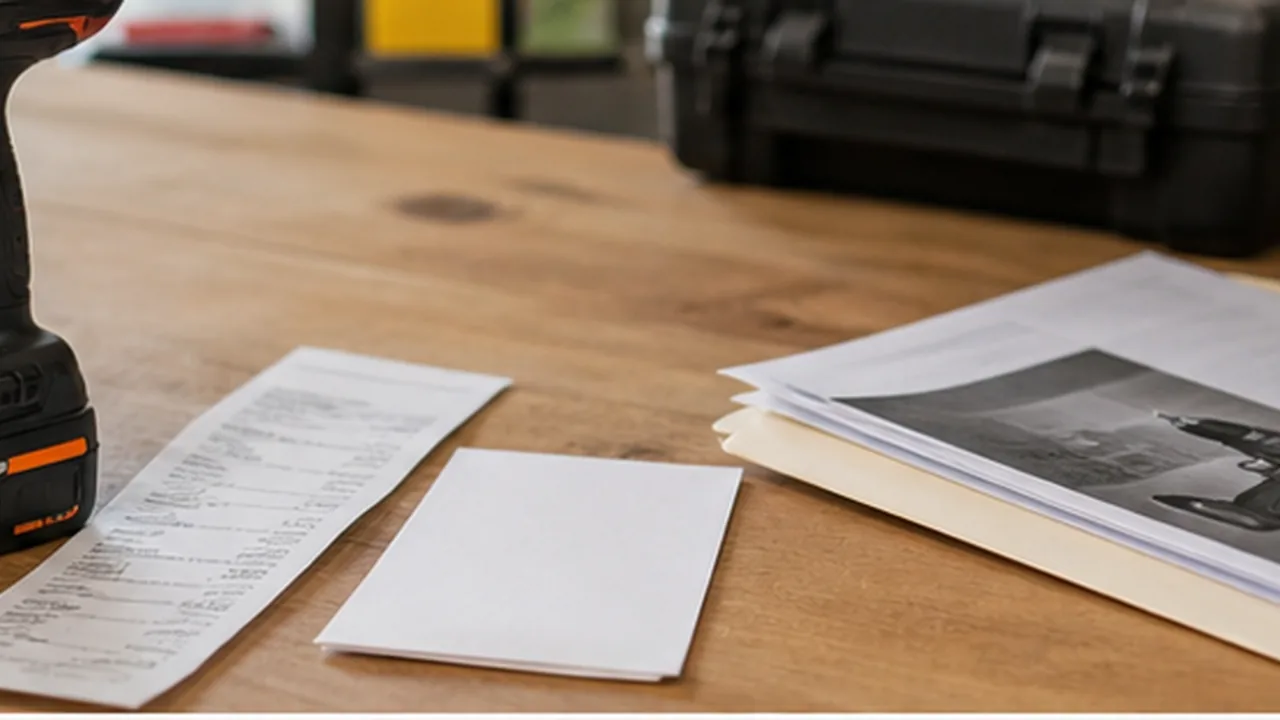
Receipts are usually the most important document to save because they prove purchase date and purchase price.
For paper receipts, take a photo or scan them as soon as possible. Many receipts fade over time, especially thermal paper receipts from retail stores. A readable photo is better than a perfect paper receipt that becomes blank a year later.
For email receipts, save the message or export the receipt as a PDF if possible. Make sure the saved version includes the date, price, store name, and item description.
If you bought a kit, confirm that the receipt identifies the kit clearly enough to match the tool later.
Save manuals before you need them
Manuals are easy to ignore until something goes wrong. But a tool manual often includes details that are difficult to guess.
A manual may include:
- Setup instructions
- Safety information
- Maintenance schedules
- Troubleshooting steps
- Replacement part numbers
- Compatible accessories
- Blade, oil, belt, or filter specifications
- Assembly diagrams
If you still have the paper manual, keep it in a folder or scan it. If the manufacturer offers a PDF manual, download it and save it with the tool record.
It is much easier to save the manual when the tool is new than to search for the exact version years later.
Track warranty dates and requirements
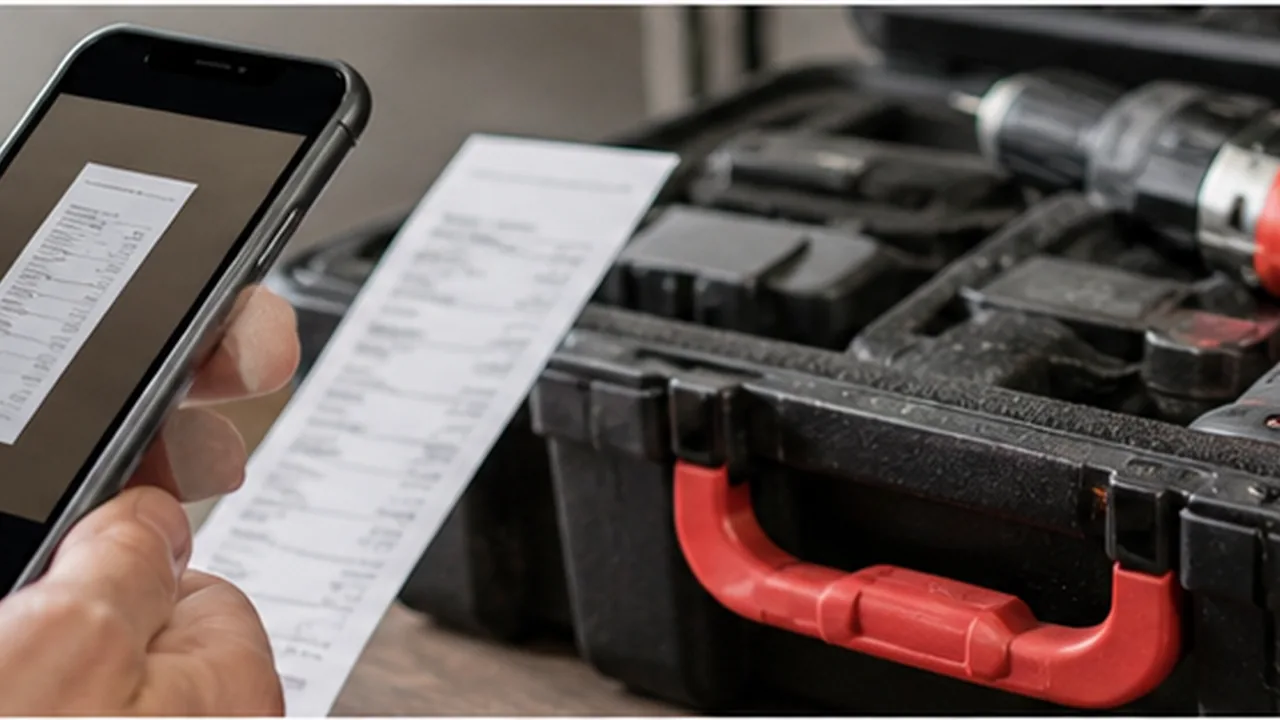
Warranty coverage varies by brand, product line, tool type, and component. Batteries, chargers, attachments, and wear parts may have different coverage than the tool itself.
For each important tool, record:
- Warranty length
- Purchase date
- Warranty expiration date
- Whether registration is required
- Registration confirmation, if available
- Any separate coverage for batteries or chargers
- Support contact or service link, if useful
Do not rely on memory. A tool that “feels new” may be out of warranty, and a tool you assumed was no longer covered may still qualify.
Connect documents to the tool they belong to
The biggest problem with tool documents is not saving them. It is finding them later.
A folder full of receipts is better than nothing, but it can still be frustrating if the file names are unclear. A photo album full of receipt pictures is useful only if you can quickly match each receipt to the correct tool.
Try to keep each tool’s documents connected to that specific tool. For example, a record for your cordless drill should include the drill photo, receipt, manual, warranty date, serial number, batteries, charger, and notes.
That way, you are not searching through unrelated files when you need one answer.
Use clear names
If you store documents manually, use consistent names.
For example:
dewalt-impact-driver-receipt-2026-04-12.pdfmakita-circular-saw-manual.pdfego-string-trimmer-warranty-registration.pdf
Clear names make documents easier to search, especially as your collection grows.
Avoid names like receipt1.jpg, manual.pdf, or IMG_4821.jpeg. Those names make sense for about five minutes and then become useless.
Review documents when tools change hands
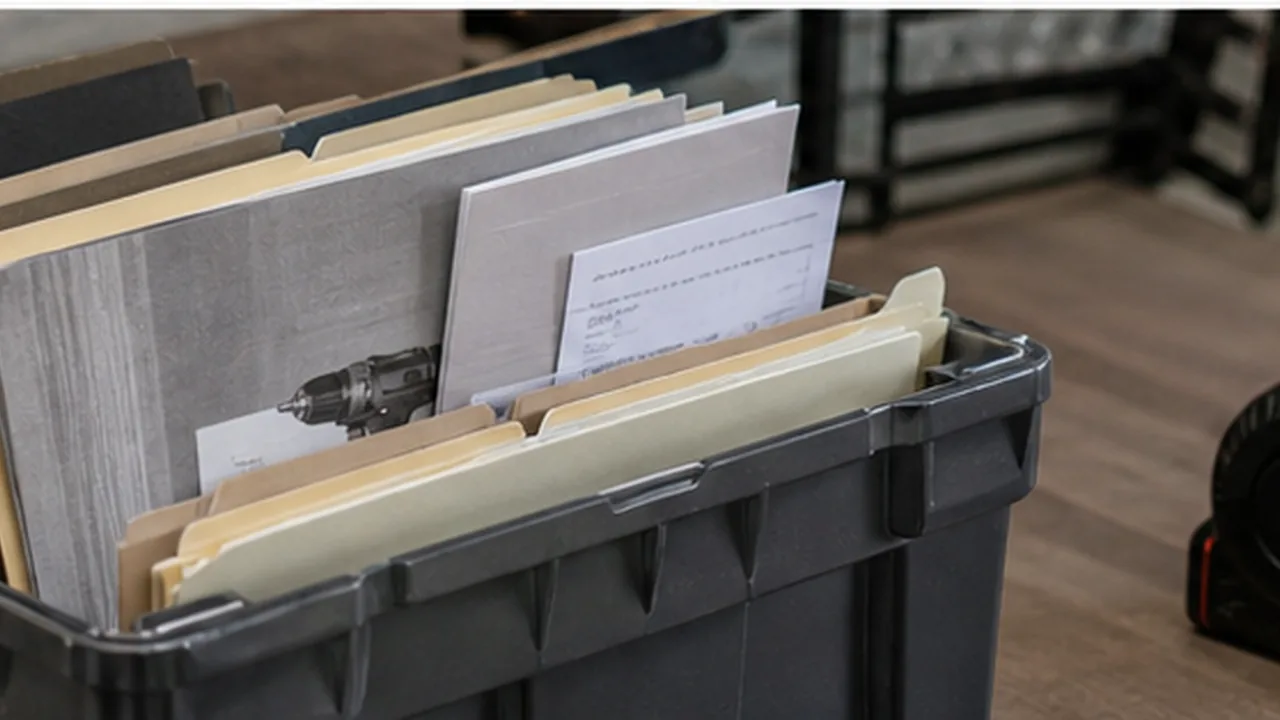
Documents are useful when selling, giving away, or loaning tools. A saved manual or receipt can make a used tool more valuable and easier for the next person to understand.
If you loan out a tool, document what goes with it. That may include the case, charger, batteries, blades, attachments, or manual. When the tool comes back, you can confirm that everything returned with it.
A simpler way to keep tool documents together
You can manage tool documents with folders, spreadsheets, cloud storage, or a notes app. That works best when you are consistent.
ToolMark gives each tool its own place for receipts, manuals, warranty details, photos, notes, maintenance schedules, and lending records. Instead of keeping documents in one place and tool details somewhere else, the documents stay connected to the tool they belong to.
Build the habit once
The best system is the one you will actually use. The moment you buy a new tool, save the receipt, record the model number, take a photo, and attach the manual if you have it.
Do that once per tool, and future you will not have to dig through drawers, email searches, old boxes, or piles of paper to find what you need.